
AI Video Tools for Content Creators: 2026 Performance Roundup
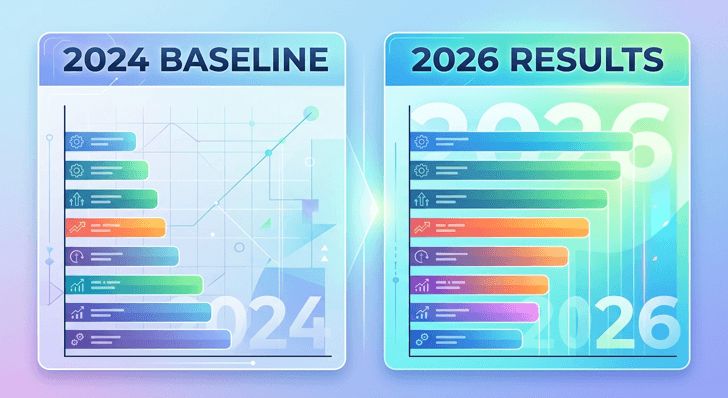
StreamElements creator analytics for 2024 reported that solo content creators now publish roughly 38% more video minutes per month than they did in 2022, but their average gear budget has barely moved. The result was a constant demand for post-production tools for more of the functions that hardware would do. In this post, we’ll navigate the performance metrics of our 2026 benchmark for these four of the best AI video generators and interpret the numbers when selecting a stack for the working creator. In 2026, it will be all about selecting a benchmark that is similar to your own footage and not the demos that every vendor walks through when they open a showreel.
Why benchmarks matter again
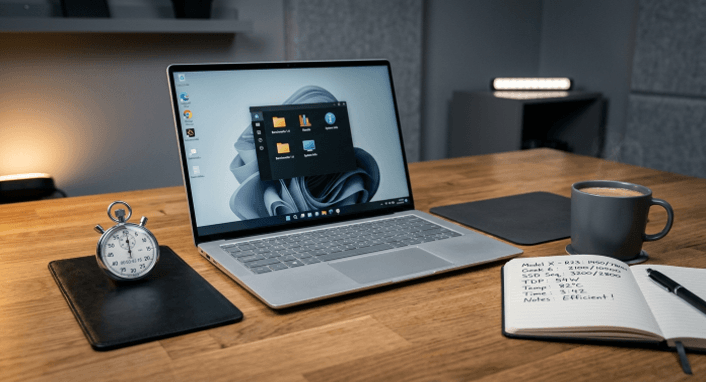
Most creators don’t really verify what claims they make about AI video tools in their own video content. Where results differ from the vendor’s reference clip to a 50x can be as much as 3x for the footage kind a actual creator will upload, and it depends on source resolution and codec. An independent benchmark isn’t about picking a winner here (any of the different sets of tools can be a winner), it’s about providing a number that things still work with after hitting the real workload of somebody. The criteria of your own shots tends to uncover preferences which you never knew you had: how much time you want to spend waiting for the process to finish; how much you care about skin-tone shift; how much you’re willing to pay for a face-restoration model that you end up using every week. Those preferences make it a much cleaner choice for you than any vendor reel.
What we tested and why
The benchmark covered four practical scenarios that map to real creator work.
- 720p webcam upscale to 1440p. The everyday case for podcast and explainer creators.
- 1080p drone footage upscale to 4K. Common for travel and outdoor channels.
- Heavy noise reduction on low-light interior. The interview shoot stress test.
- Mixed batch of 12 short clips. A weekly Shorts pipeline test.
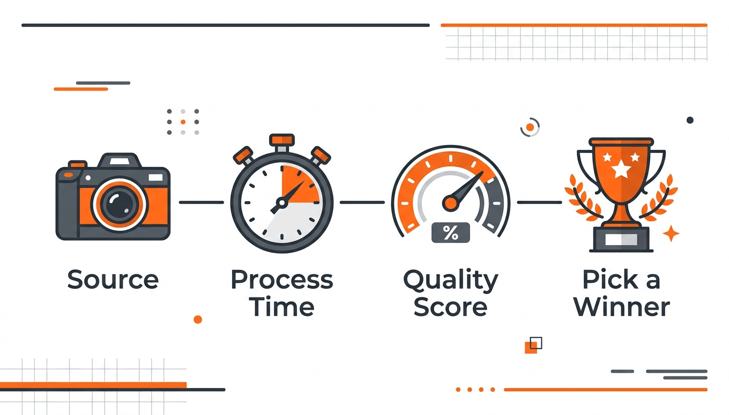
The process time and a perceptual quality score (rater study, averaged over three independent raters) were measured.
Four tools tested, by the numbers
Hardware: a 2024 desktop with an NVIDIA RTX 4070 for desktop apps and a stock Chrome browser for cloud tools.
UniFab AI Video Enhancer Online
The AI Video Enhancer ran the 720p webcam test at roughly 7 minutes per minute of input video on FabCloud, with a perceptual score above the cloud category average and a comfortable margin over the smaller-resolution-ceiling tools. The batch test (12 short clips) was the best of the four cloud options, partly because using batch processing in place of using a queue was a first-class feature. Trade-off: Because of the 2x upscale ceiling, it wasn’t included in the test of drone footage for 4K delivery.
Topaz Video AI
Topaz led the drone-to-4K raw output test, but was a long way behind the time of the cloud tools. The $299 license is still the “entry fee”.
Tensorpix
In a modern source, Tensorpix gave the second-fastest webcam pass output and clean pass output. It lagged behind on the noise stress test, which is a test that is most important for temporal modelling.
HitPaw VikPea
HitPaw VikPea was in the middle of the pack, and it’s good to have a face-restoration model that helped up the interview mark. The watermark is the biggest drawback for testing purposes.
A travel channel that picks by the numbers
A solo travel creator updated an archive of 1080p drone footage and created a new 18-month-long series of YouTube Shorts. She used a desktop Video Upscaler for the 4K master path on her hero clips and switched to a cloud option for the long-tail batch — about 230 shortcuts needed cleanup, but not the highest-fidelity treatment. At the end of four weeks, she had used up 40 hours of total post time, half of her allocated time. The idea to take away is to use the right tool for the right clip, and not necessarily one of the winners.
FAQ
Are vendor benchmarks reliable?
Assume that they are upper limits. The values in the real world will vary based on the codec, resolution, and noise level used.
How much GPU memory do I need?
For 4K, 12GB or more of desktop AI tools are best. The models are limited by toGB.
Is cloud processing always cheaper than buying a license?
No more than a couple of projects per year, yes. On top of that, a one-time license typically prevails.
Will benchmarks shift again next year?
Yes, the more recent generations of the model are available earlier than the annual reviews. Re-test prior to a significant workflow commitment.
How often should I re-benchmark?
For working creators, it’s OK to do one quarter. Prior to any significant commitment to the workflow, it is necessary to perform the following: The annual reviews are now getting outpaced by model generations.
Final thoughts
The 2026 vision is that no tool passes every test, and the best choice is based on the predominant scenario for a creator’s week. The numbers can help with that decision, but can’t be relied upon to identify a universal favourite. Time invested in one day benchmark vs self footage is time well spent. After taking the time to make a thoughtful evaluation, most working creators discover that they typically have two tools, one in the cloud and one on their desktop, and they alternate between them by “clip,” not by project. This is the real-world reason that benchmarks are important, and often reduces a quarterly refresh of the archive by a week or more.
Popular on OTW Right Now!


About The Author

Gagan Bhangu
Founder of otechworld.com and managing editor. He is a tech geek, web-developer, and blogger. He holds a master's degree in computer applications and making money online since 2015.