
How to Turn Product Images into Marketing Videos with Runway Model on Pollo AI
A good product photo is useful, but sometimes a brand needs more than a still image. A little camera movement can make a product feel more interesting and give marketers extra footage for ads, social posts, or product pages.
That is where Runway Model on Pollo AI can help. Its image-to-video workflow lets marketers start with an existing product image and use a prompt to control how the shot moves. Instead of filming every variation from scratch, the same product photo can become several short video clips.
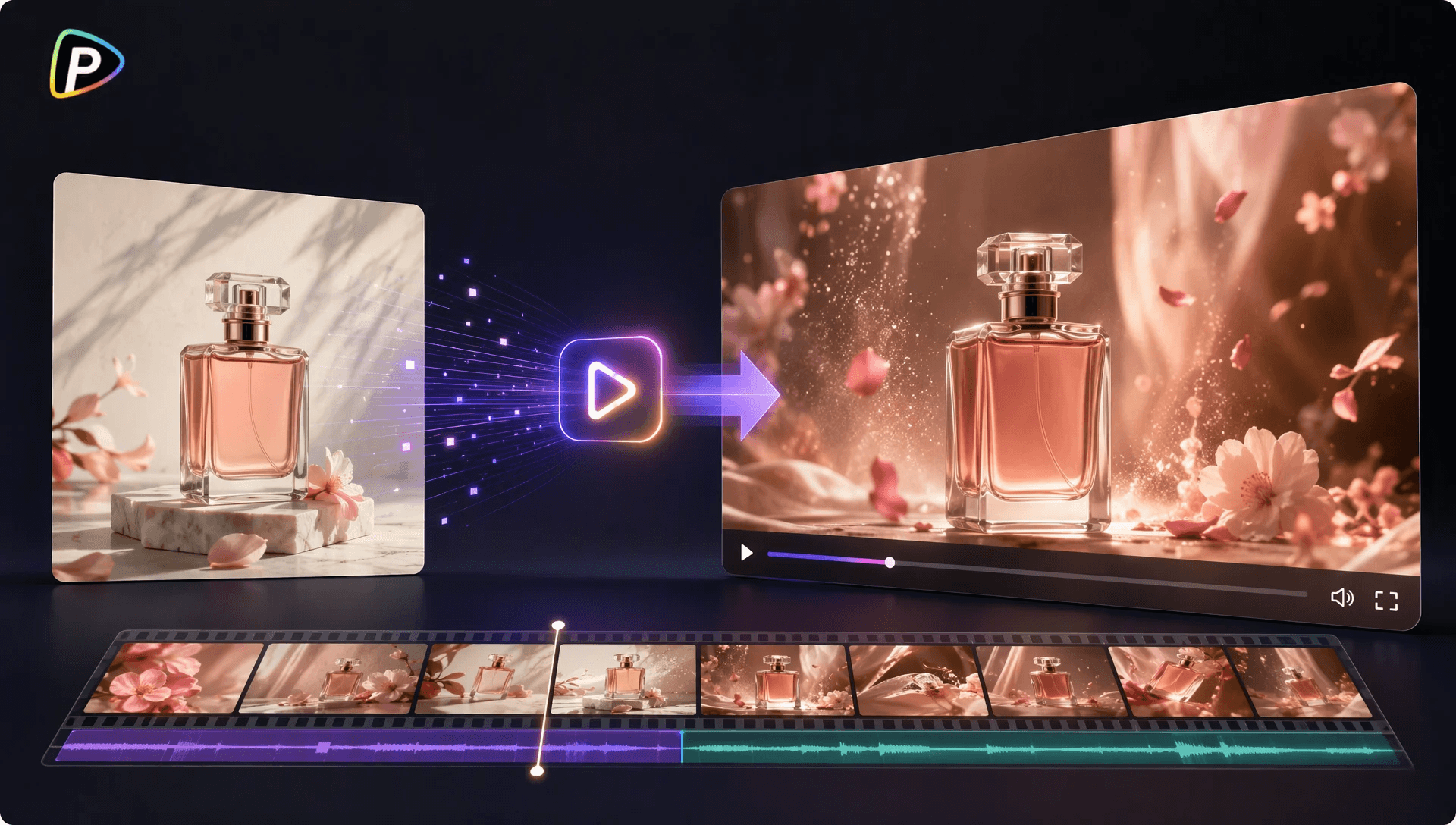
Why Try Runway Model on Pollo AI for Product Demos?
A necessary requirement of product demos is that the product should still appear to be the product.
With Pollo AI it is possible to add movement to an existing product image without it being necessary to create the entire scene from text. Motion Brush is also helpful in cases where only a part of the image needs to move; for instance, steam can rise from a coffee machine while the machine itself remains stationary, or the fabric can move around a clothing product.
Runway also allows the use of multiple key frames on models that are supported and different aspect ratios; this can be useful when a campaign requires several product images or versions for various platforms.
The other practical part is the workflow. On Pollo AI, the user can select Runway, upload the product image, write the prompt, adjust the available settings, and generate the clip in one place. This also makes it easier to try different video models with the same product assets.
How to Turn Product Images into Marketing Videos with Runway on Pollo AI
1. Start With the Right Product Photo
To open the image-to-video workflow on Pollo AI, upload the product image.
It is usually best to choose a sharp photo in which the entire product is clearly visible. Photos that are blurry, have strong filters, feature busy backgrounds, or in which the product is only partly visible can make the resulting video more difficult to control.
It would also be useful to consider the size of the final video at this point. In the case of a clip intended for TikTok or Reels, using a vertical image with a bit of space around the product will give the model more room to work.
2. Give the Shot One Clear Job
Select Runway and write a prompt that tells it what should happen in the shot.
For example, a skincare product could use:
“Slow camera push toward the bottle on a clean bathroom counter. Soft morning light moves across the scene. The bottle stays still and clearly visible, with subtle background movement.”
That’s quite sufficient since the uploaded image already displays what the product looks like and therefore the prompt need not describe all the details once more.
It is more effective to produce a single clear image than to put five ideas into one prompt; the images for a product reveal, a feature close-up, and a lifestyle shot can be created separately and then edited together later.
3. Keep the Movement Under Control
It is here that a great many product generations make the mistake.
A product can appear well-made simply by using a slow camera movement without altering its shape. With Motion Brush it is possible to introduce movement into certain areas of the image while the product itself remains stationary. Good examples include steam, hair, leaves, and fabric.
To get the product to rotate, move across the table, interact with another object and have the camera circle it all at the same time is quite a difficult task. The best thing to do if the product begins to look odd is to simplify the action.
4. Pick the Format and Generate
The aspect ratio should be chosen in accordance with the place where the video will be displayed. Landscape suits websites and YouTube naturally, whereas portrait is more appropriate for TikTok, Reels, and other mobile content.
Create the video using Pollo AI.
Before you use the clip, carefully examine the product. The logos, the text on the packaging, the handles, the buttons, and any odd shapes may change during the generation process even if the overall image appears satisfactory.
5. Fix One Problem at a Time
If the first result is near enough but still not exactly right, there is no need to rewrite the entire prompt at once.
Start by identifying the main problem; if the product bends then keep it in place, if the camera moves too quickly then slow it down, and if the background becomes too busy then eliminate the extra scene instructions.
For instance, rather than requesting that “the product slowly rotates while the camera circles around it”, request that “the product remains still while the camera slowly moves around it”. The second version is easier for the model to deal with.
When Does This Workflow Make Sense?
This method is suitable for companies which already have product photography but require more video content.
A single product image can be used as a clean product reveal, as a shot that focuses on the feature, or as a simple lifestyle clip. Since Pollo AI includes product demonstrations and stylised B-roll among the marketing applications of Runway, this type of workflow is well suited to short-form marketing content.
However, footage produced by AI should be checked before it is released. In cases where the video has to display the actual packaging, include technical details, or show a precise product demonstration, genuine footage or some manual editing might still be the more reliable choice.
Final Tips for Product Marketing Videos
The simplest method for achieving better results is to keep each generation simple by beginning with a clear product photo, specifying one main action to Runway, and avoiding any unnecessary effects.
What we want is not for the product photo to cover all aspects. Instead, we want to turn one good asset into a number of useful photographs that can in fact be used in a marketing campaign.
Having the Runway Model available on Pollo AI means that product images can be used as a practical starting point for short ads, social clips, product-page visuals, and other types of marketing content.
Popular on OTW Right Now!




About The Author

Gagan Bhangu
Founder of otechworld.com and managing editor. He is a tech geek, web-developer, and blogger. He holds a master's degree in computer applications and making money online since 2015.