
How to Turn Any TV Into a Smart Streaming Hub in 2026
You don’t need a new television to get a modern streaming experience. Whether you’re working with a ten-year-old flat screen or a brand-new panel whose built-in software already feels slow, the path to a fast, complete streaming setup is cheaper and simpler than most people think. Here’s the practical rundown.
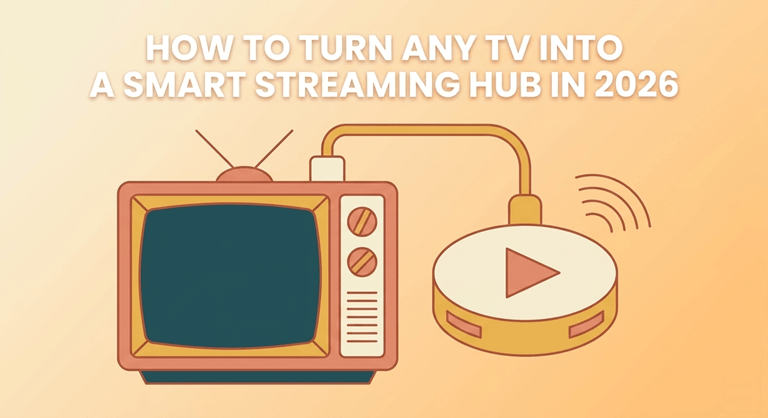
Step 1: Pick your device tier
Budget (under $50): Amazon Fire TV Stick or Xiaomi TV Stick. Both run every major app, handle 1080p (or 4K in the Max/4K versions), and install in two minutes. For most bedrooms and secondary TVs, this tier is all you need.
Mid-range ($50–100): Fire TV Stick 4K Max, Chromecast with Google TV, or Xiaomi Mi Box S. Faster processors, better WiFi, smoother menus. The right tier for a main living-room TV.
Performance ($150+): Nvidia Shield TV. Overkill for casual streaming, unbeatable for heavy IPTV use, local media libraries, and gaming. Still the reference device years after launch.
Step 2: Sort your connection
Streaming quality is decided by your network before it’s decided by your device. The practical thresholds: 10 Mbps per HD stream, 25–30 Mbps for 4K. Two rules save most headaches:
- Ethernet beats WiFi for the main TV. Most streaming boxes support wired adapters; a $15 adapter eliminates the buffering that plagues wireless setups in apartment buildings.
- Check your real speed on the TV, not next to the router. A speed test app run on the streaming device itself tells you what you’re actually working with.
Step 3: Load your content stack
The modern stack has three layers:
The big apps — Netflix, Prime Video, Disney+, YouTube — install from the device’s store in minutes.
Live TV — this is where setups diverge by region. US viewers lean on YouTube TV or free ad-supported services. European viewers increasingly use subscription IPTV apps that bundle live channels and on-demand libraries in one place. In the French market, services like Atlas Pro IPTV are typical of the category: activation by code, apps across Fire TV, Android, and Smart TV platforms, and HD/4K channel delivery over a standard internet connection.
Local media — VLC or Kodi turns the same device into a player for your own files, streaming from a USB drive or a networked computer.
Step 4: The five-minute optimizations
- Update every app and the device firmware before judging performance
- Disable autoplay previews (they eat bandwidth and patience)
- Set the display output to match your TV’s real resolution — devices sometimes default to the wrong
- If menus stutter, restart the device weekly; streaming sticks accumulate cruft like any computer
The bottom line
A $40 stick, a wired connection, and a well-chosen app stack outperform the built-in software of most televisions sold today — and replace a cable subscription several times its price. The smart TV era’s real lesson: the intelligence belongs in the stick, not the screen.
Popular on OTW Right Now!

About The Author

Gagan Bhangu
Founder of otechworld.com and managing editor. He is a tech geek, web-developer, and blogger. He holds a master's degree in computer applications and making money online since 2015.