
The Website Audit Mistake That Makes Technical Teams Look Busy But Leaves Revenue Stuck
At first, carrying out a website audit may appear to be a productive thing to do. The crawler starts working, the dashboard fills with red and yellow warnings, and as a result the team ends up with a long list of items to fix. The report seems significant, and the backlog increases rapidly.
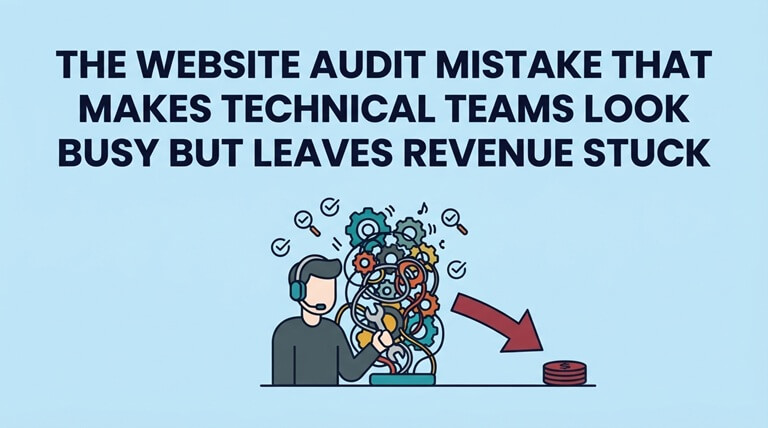
Yet after a month, there has been no change in the business.
A genuine problem with a great many audits is that they concentrate on things which are easy to detect rather than on those factors which actually have an impact on visibility, trust, leads, or revenue. For instance, a missing image size, a redirect chain, a slow script, a repeated title, a broken form, and an accidental noindex tag could all appear in a single report; yet not all of these problems are of the same urgency.
The question you should ask when carrying out an audit isn’t “How many problems did the tool identify?” Rather, it should be “Which issue is preventing an important visitor or search engine from carrying out the next valuable action?”
It is important to carry out performance scores and technical checks. Tools such as Lighthouse, PageSpeed Insights, Search Console, crawler exports, log files, and analytics reports assist teams in identifying things that they might otherwise overlook. The error lies in making these diagnostic measures the primary objective.
Even if a website has a high score, it may still fail in business. The page might be ranking for the wrong search intent. The mobile layout could be hiding the call to action. A browser update might break the lead form. Analytics might not pick up the conversion event. Search engines might see duplicate versions of the same important page. Simply clearing the dashboard won’t solve these problems.
A good audit should begin with selecting the appropriate area to concentrate on; although many teams start by looking at the entire website since the crawler is able to scan all of it, this usually results in an excess of noise, and it is better to start with the pages that already drive demand.
For a software-as-a-service business, the relevant pages are typically the homepage, the pricing or demo pages, the feature pages, the comparison pages, the integration pages, and the blog posts which are directed at visitors with a high intent. In the case of an agency, the emphasis should be on the service pages, the case studies, the location pages, and the contact pages. With respect to an e-commerce business, the pages to examine are the category pages, the product pages, the checkout page, and the high-margin collections.
Those pages deserve priority because they sit closer to discovery and decision. A canonical error on a commercial service page is not the same as a small metadata issue on an old archive page. This is where a technical website audit should behave less like a raw checklist and more like a decision system. The output should help the team decide what to fix first, who owns it, and how success will be verified.
If there are a large number of audit findings, sort them according to their impact and how easy it is to fix them. Begin with the indexing blockers, followed by the revenue blockers, then the intent mismatches, the template issues that affect multiple pages, and finally the smaller polish tasks. Following this sequence means that not every warning is treated as being of equal importance.
Search Console indicates which pages receive impressions, clicks, and search demand; Analytics shows what visitors do after arriving at the site; CRM or e-commerce data demonstrates whether those visits result in leads, trials, purchases, or assisted conversions; and a comprehensive audit brings together all of these insights.
The audit should identify the likely bottleneck rather than merely noting the symptom. Instead of saying “The page is slow”, it is better to state “Mobile users on the demo page experience a delay before the form appears; the test script deferral and the measure of form starts”. This version gives the team a solution and a way to assess whether the fix worked.
A useful audit result should be in the form of a ranked list of actions. Each recommendation must include the URL or template that is affected, the evidence, the business or search risk, the suggested remedy, an estimate of the effort involved, the person responsible, instructions on how to verify the fix, and a follow-up date.
The audit isn’t complete when the report is sent; it’s complete only when the necessary corrections have been made, rechecked, and compared with the original problem. If technical changes have an impact on user behavior and revenue, then even a small fix can cause the right visitor to find your business, trust it, and choose it.
Popular on OTW Right Now!



About The Author

Gagan Bhangu
Founder of otechworld.com and managing editor. He is a tech geek, web-developer, and blogger. He holds a master's degree in computer applications and making money online since 2015.