
How a Firefox VPN Add-On Can Improve Your Online Privacy
Mozilla Firefox is widely recognized across the digital world for its strong focus on user privacy and customizable security options. This is the web browser millions of day-to-day internet users select to ensure their individual browsing experience remains private and secure from prying eyes. However, surfing the web with public networks can put your information at risk from online predators and others who use the network, including ISPs and advertisers. A good privacy extension right in your browser window provides an additional real-time safeguarding layer. Let’s discuss in this article how to enhance your digital privacy with the help of a VPN tool in your browser.

Encrypting Your Firefox Web Traffic in Real Time
Every time you visit a site, your computer sends and receives data all the time along outside network connections. If you’re not using a security layer, local network administrators and service providers can easily track your current web destinations and actions on the web. Installing a reliable Firefox VPN add-on creates a secure digital tunnel that encodes all incoming and outgoing browser traffic in real time. Each click you make online is translated into a code that no one else can read—even the third party that you are on, which preserves your privacy and security, especially when it comes to storing sensitive information like account passwords, financial information, and private messages.
Masking Your Real IP Address and Virtual Location
Your IP address is a unique identifier that tells a particular server your approximate geographic location when you use the Internet. Websites, data brokers, and tracking companies are all gathering this information as you travel the web, as they build a profile of you and restrict what you can see based on your geo-location. A browser privacy extension uses a virtual IP address from a secure remote server location to obscure your real IP address. By obscuring your identity, it will make it difficult for anyone outside the network, such as a tracking script, to link your Internet usage to your home network or to a specific computer.
Securing Your Connection on Public Wi-Fi Networks
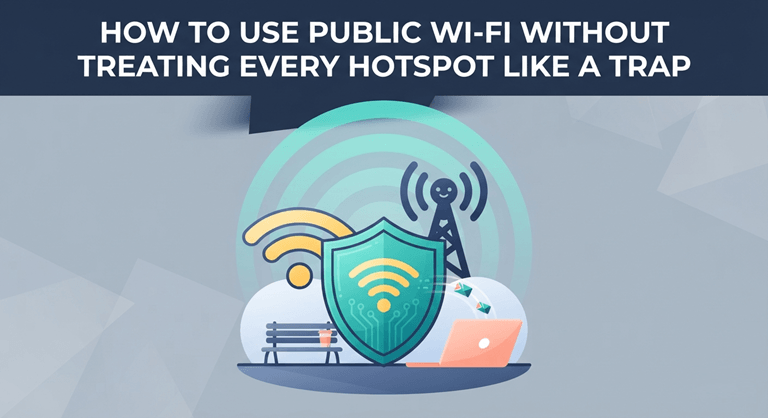
Local coffee shops, airports, and hotels are frequently equipped with free Wi-Fi, which is a convenience, but may not be quite as secure as you would like when it comes to security. Open connections allow hackers on a shared network to tap into unprotected data transfers and access sensitive data. Whenever you enter any website, your browser extension will shield your device from any eavesdroppers on the local network. It guarantees a secure Internet session, protects information and data from unauthorized access while you are using a Web browser, and keeps work away from home.
Preventing WebRTC Data Leaks and Invasive Tracking
WebRTC (Web Real-Time Communications) is a web-based real-time communications protocol enabling audio and video streaming in a web page. However, when you have the standard security controls enabled on your device, the features can, at times, disclose your true IP address. The WebRTC privacy browser tools aim to prevent the release of information by preventing leaks to unauthorized parties during live web sessions. Blocking them will stop aggressive advertising networks from creating detailed behavioural profiles of your browsing behaviour.
Conclusion
Setting up complete digital privacy doesn’t involve complicated procedures or in-depth technical knowledge. The secure add-on for Firefox keeps you safe from the most common Internet dangers. Your data is yours to control since you encrypt all internet traffic, obfuscate your true location, secure public Wi-Fi, and block data leaks. If you take time to set your browser’s privacy settings now, you can enjoy a much safer, smoother, and more secure online experience for much of your time on the web.
Popular on OTW Right Now!

About The Author

Gagan Bhangu
Founder of otechworld.com and managing editor. He is a tech geek, web-developer, and blogger. He holds a master's degree in computer applications and making money online since 2015.