
Can a Laser Cutter Cut Metal? Everything You Need to Know
How Laser Cutters Interact with Metal Materials
Laser cutting is used to cut metal using a high-energy beam of light that targets a small section of metal, heating it to a high temperature, which then causes the metal to melt or vaporize. This is followed by a gas assist (oxygen or nitrogen), which removes molten material in the cut.
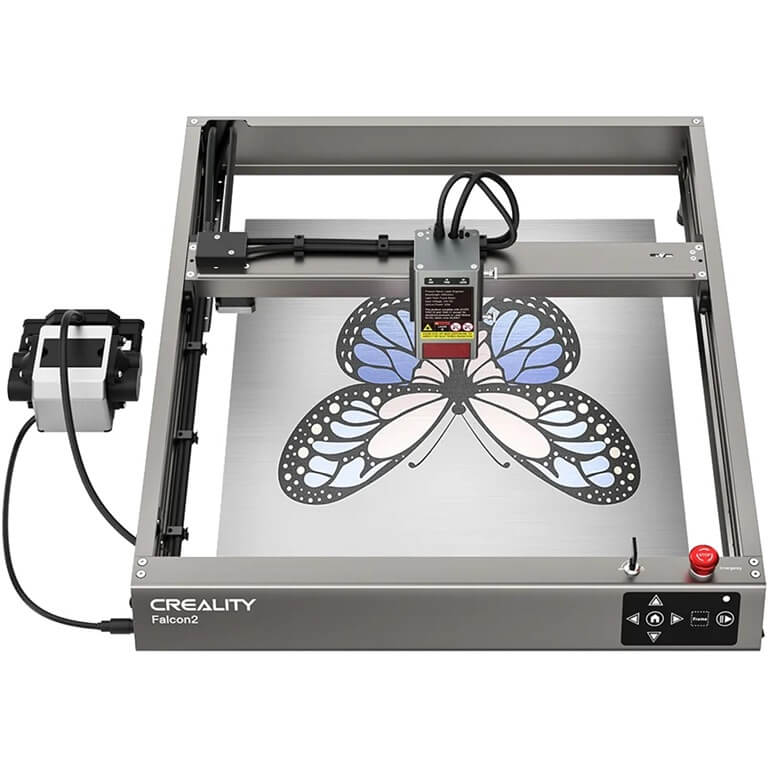
Metal is many times more energy-consuming than wood, acrylic, or leather because it is more thermally conductive and reflective. Metals commonly used are steel, stainless steel, aluminum, brass, and copper.
- Fiber lasers or high-power CO2 lasers can be used to cut mild steel and stainless steel cleanly.
- Aluminum and copper are harder since it is reflective, particularly when using CO 2 systems.
- Desktop diode lasers can typically only engrave, mark, or cut very thin foils.
It’s important to distinguish:
- Cutting: completely permeates the material.
- Engraving: cuts away material.
- Marking: changes the appearance of the surface.
These differences can be used to prevent false hopes in the process of working with metal.
Laser Types and Power Requirements for Metal Cutting
Various kinds of lasers work with metal differently:
Fiber Lasers
- Normal power: 500W-3000W+ (industrial level)
- Is capable of cutting 1-10 mm+ steel based on power.
- Well suited to reflective metals such as aluminum and copper.
CO₂ Lasers
- Typical power: 150W–400W+.
- Suitable for mild steel and some stainless steel.
- Struggles with reflective metals without coatings.
Diode Lasers
- Typical power: 10W–40W (consumer level).
- Primarily used for:
- Engraving metal.
- Marking coated or anodized surfaces.
- Cutting extremely thin metal foils (<0.5 mm).
Cut precision and edge quality depend on beam quality, focus distance, and mode of operation (continuous or pulsed).
Preparing for Metal Cutting with a Laser Cutter
Preparation is critical for successful results:
- Proper ventilation (blow out to the air)
- Have a fire extinguisher nearby.
- Use a financial cutting bed or a honeycomb that is metal compatible.
Material preparation:
- Clean surface with alcohol or acetone
- Remove coatings or oxidation layers
- Ensure the material is flat and secured
Air assist is essential to:
- Wipe off the surface using alcohol or acetone.
- Eliminate finishes or rust.
- Make sure it is flat and fastened.
Without proper airflow, metal edges may discolor or warp.
Settings and Workflow for Cutting Common Metals
Metal cutting requires careful parameter tuning:
- Begin with slow speed, high power (machine constraints).
- Make several cuts rather than making a single deep cut.
- Tilt on refocusing to the exact surface.
Key workflow tips:
- Use test strips before full cuts
- Monitor for:
- Dross (slag buildup)
- Burn marks
- Incomplete cuts
If cutting fails:
- Reduce speed
- Increase passes
- Improve air assist
Always document successful settings.
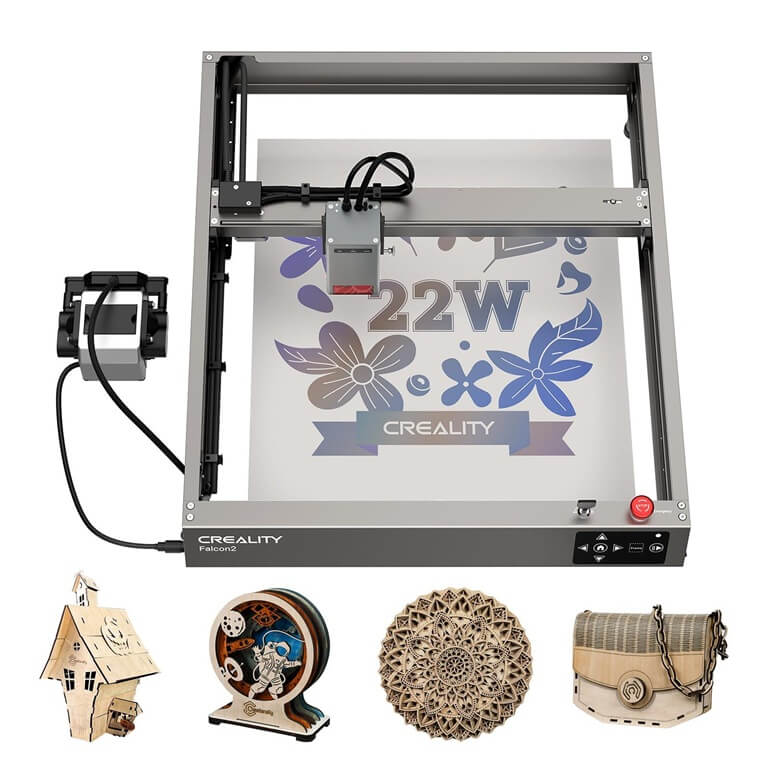
Desktop Laser Cutters and Metal Capabilities
Most desktop Laser Cutters cannot truly cut metal beyond very thin materials.
Typical capabilities:
| Machine Type | Capability |
| Diode laser | Engraving/marking only |
| CO₂ desktop | Limited thin steel (with high power) |
| Fiber laser | True metal cutting (industrial level) |
Examples of desktop machines:
- Creality Falcon series: engraving & marking
- xTool P2: CO₂ engraving, limited metal capability
- Glowforge: engraving only on coated metals
Comparing Laser Cutting to Plasma and Waterjet
Different technologies suit different needs:
- Laser cutting: sharp, smooth edges.
- Plasma cutting: quicker when cutting heavy steel (>6 mm), not as accurate.
- Waterjet cutting: does not have heat distortion, cuts all thicknesses.
For most home users:
- Laser » engraving & thin material
- Heavy metal cutting » professional services.
Post-Cut Finishing and Safety
After processing metal:
- Strip off burrs with files or abrasives.
- Wearing gloves (they are sharp)
- Allow time for cooling
Safety reminders:
- Use eye protection
- Store metal scraps safely
- Keep the workspace clean
If discoloration or poor results occur:
- Clean optics
- Recalibrate focus
- Improve airflow
Final Thoughts
Laser cutters can cut metal, though the amount of cutting depends on the kind of laser and the intensity of power.
For most home users:
- Diode lasers – marking and engraving.
- CO 2 lasers – no cutting.
- Fiber lasers » 100 percent of metal cutting (industrial level)
These limits will allow you to make the right choice in selecting a tool and prevent unrealistic expectations.
Popular on OTW Right Now!


About The Author

Gagan Bhangu
Founder of otechworld.com and managing editor. He is a tech geek, web-developer, and blogger. He holds a master's degree in computer applications and making money online since 2015.