
Pollo Cinema vs Basic Text-to-Video: Which Gives Creators More Visual Control?
Basic text-to-video tools are useful when a creator needs a quick visual from a short prompt. The frustration begins when the first result is close, but the lens, lighting, framing or movement does not support the idea. Pollo Cinema takes a more directed approach. This comparison explains when fast prompt generation is enough, when cinematic controls matter and how creators can avoid using a complex workflow for a simple job.
What Is the Difference Between Pollo Cinema and Basic Text to Video?
Basic text-to-video prioritises fast interpretation of a prompt, while Pollo Cinema adds explicit control over references and filmmaking choices. The better option depends on whether speed or repeatable direction is the main requirement.
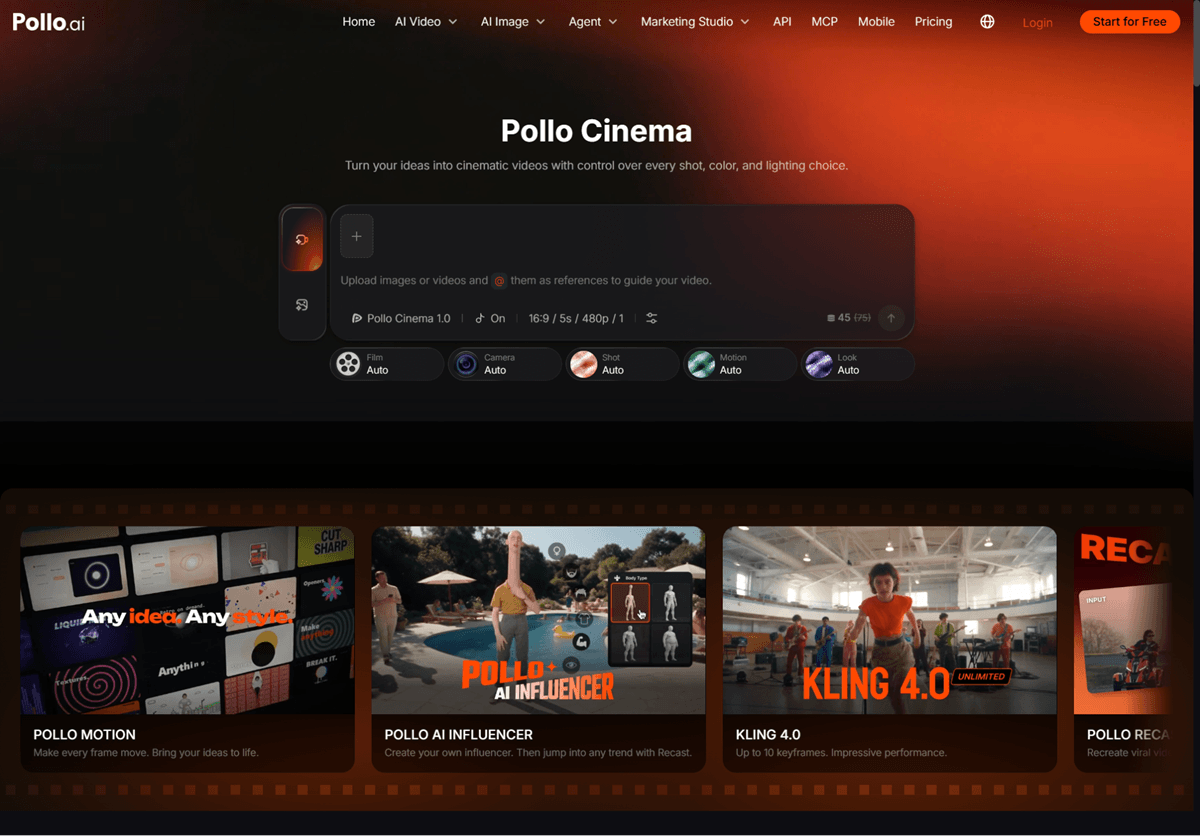
AI cinematic video generator is most useful when the creator needs to shape the shot through film presets, camera, lens, aperture, movement, color grading and lighting. Pollo Cinema can also use a large reference set for characters, locations and props. A basic generator remains efficient for isolated concepts where those details do not need careful control.
When Should Creators Use Basic Text to Video for Quick Concepts?
Use the simpler workflow when the idea can be judged from one prompt and one short clip. It works especially well in these situations:
-
- Testing a visual premise. Generate a rough scene to see whether an unusual product, location or action is worth developing further.
- Producing fast social options. Use text to video AI for quick concepts when a short-form post needs a clear subject and action but does not depend on a specific lens, complex reference pack or tightly matched sequence.

- Exploring several directions. Create broad alternatives before investing time in detailed cinematic settings. The rough clips can reveal which tone deserves a directed pass.
- Filling a minor supporting shot. A brief atmospheric insert may not need the same level of control as a hero reveal or emotional close-up.
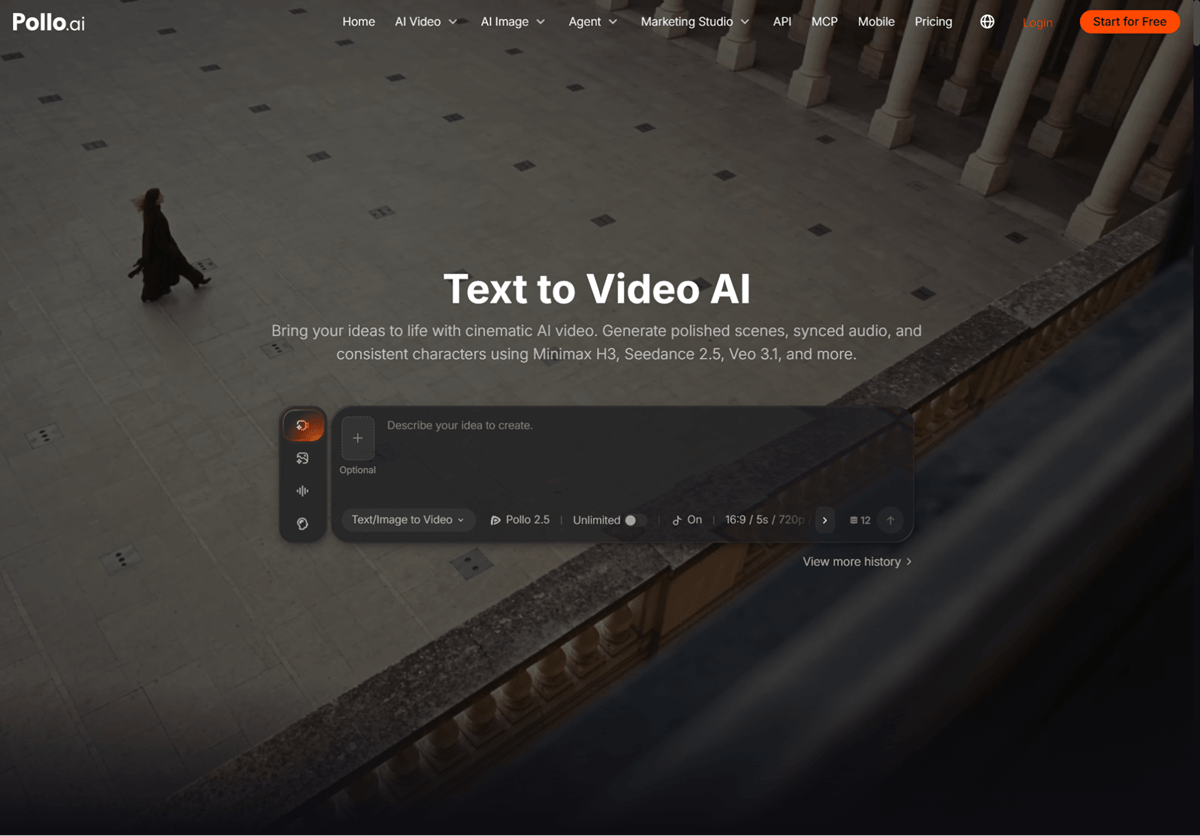
When Does Pollo Cinema Give Creators More Useful Control?
Pollo Cinema becomes more valuable when the shot must match established references or communicate a precise cinematic intention. Choose the directed workflow when:
- The character or product must stay recognizable. References can show details that a prompt may describe inconsistently.
- The camera move carries meaning. A slow reveal, intimate push-in or wide environmental move should be chosen for the story rather than added randomly.
- Lighting defines the mood. A silhouette, soft portrait or high-contrast launch shot needs an intentional scheme.
- Several scenes must share a visual language. Stable film, color and lens choices make separate generations feel related.
How Do Pollo Cinema and Text to Video Workflows Compare?
The difference is clearest when the same project is judged by speed, control and consistency. Neither workflow is automatically better for every clip.
| Decision | Basic text to video | Pollo Cinema |
| Best use | Fast concepts and isolated clips | Directed hero scenes and sequences |
| Inputs | Primarily a prompt | Prompt plus multiple references |
| Visual control | Mostly described in words | Dedicated film and shot settings |
| Iteration | Rewrite the prompt | Adjust a specific visual choice |
Which AI Video Workflow Should You Choose?
Choose the least complex workflow that gives you control over the details the audience will actually notice. Start with basic text-to-video for loose exploration. Move to Pollo Cinema when references, viewpoint, lens, movement, palette or lighting are central to the result. This staged approach prevents over-directing disposable content while giving important scenes the attention they need.
Ready to Compare a Scene in Pollo Cinema?
Generate one quick concept, then rebuild the same idea with two deliberate cinematic controls. Keep the subject and action unchanged, choose a specific lens and lighting direction in Pollo Cinema, and compare which version communicates the intended emotion faster. Use Pollo AI to keep the simple workflow for speed and the directed workflow for the scenes that need a clear visual point of view.
Popular on OTW Right Now!




About The Author

Gagan Bhangu
Founder of otechworld.com and managing editor. He is a tech geek, web-developer, and blogger. He holds a master's degree in computer applications and making money online since 2015.