
MacKeeper Review: Best Tool for Mac Cleanup
MacKeeper is a Mac-only optimization suite that combines cleaning, performance management, and real-time security in one place. It’s an app that automatically cleans your computer, runs antivirus software, and offers additional services to keep your Mac running efficiently.
And after being acquired by Clario Tech, MacKeeper has been updated to meet your needs.
Each module is designed for macOS, which is reflected in the way that it deals with system directories, app support files, and background processes without introducing the lag that is common with third-party antivirus software.
For those in need of effective Mac cleanup software, MacKeeper is worth considering.
Why MacKeeper Stands Out
Rather than juggling three or four separate tools to keep a machine healthy, MacKeeper brings everything under one roof. When I first tried the tool, what impressed me most was how much it packed into one clean, easy-to-navigate app. Here are key MacKeeper features that stand out:
1. Duplicates Finder
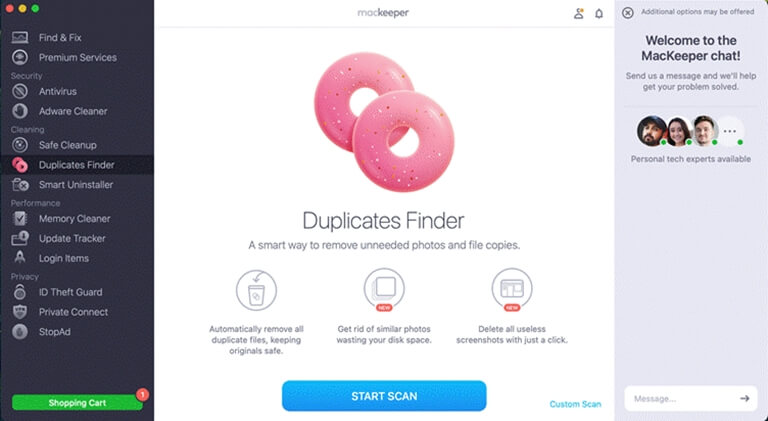
MacKeeper can find duplicates based on file content. It matches the content of the file, so even if the duplicate was renamed or put into a different folder, it will be detected.
I tried out this mode on my MacBook and found more than 800 MB of duplicate images and documents stored in folders that I hadn’t accessed for years.
What is particularly nice is how it breaks down the cleanup. Rather than asking to delete the whole lot (and a number in the hundreds) at once, MacKeeper breaks it down by file type, so it is up to you what gets deleted.
2. Safe Cleanup
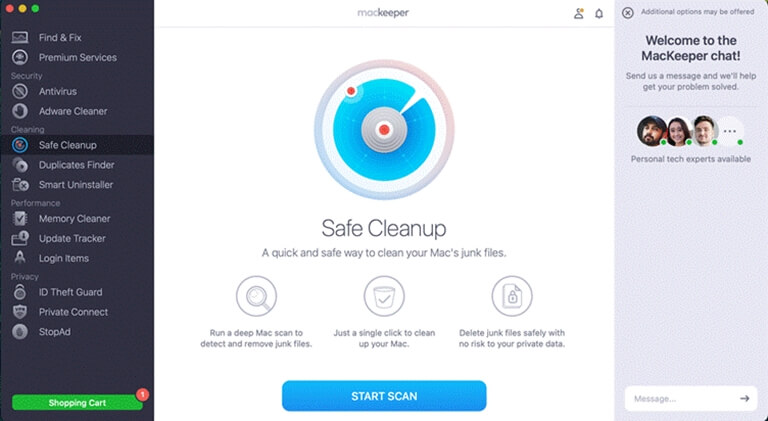
This is the one you should run every so often. It scans for and removes cache, log,g and temporary files that build up and are no longer needed. It presents results in an easily digestible format, even to the layman.
Running MacKeeper’s Mac Cleaner on a machine showed over 4.2GB of files I’d never known were there, such as old cache directories, language packs installed by long-deleted apps, and support folders from deleted software.
3. Smart Uninstaller
When you delete apps on your Mac, a simple trash move will delete the application but leave preference files, cache, es, and support directories lying around. MacKeeper’s Smart Uninstaller finds them all.
For instance, I tested the feature by uninstalling a hefty graphics app, a nd the uninstaller pulled down an extra 1.3GB of related files that were not removed when I simply dragged the app to the trash.
If you’re like me and install and uninstall apps on a regular basis, this alone will free up quite a bit of space.

4. Memory Cleaner
Background applications and processes continue to retain memory long after they are used, and this is a less obvious factor in a Mac slowing down during normal use.
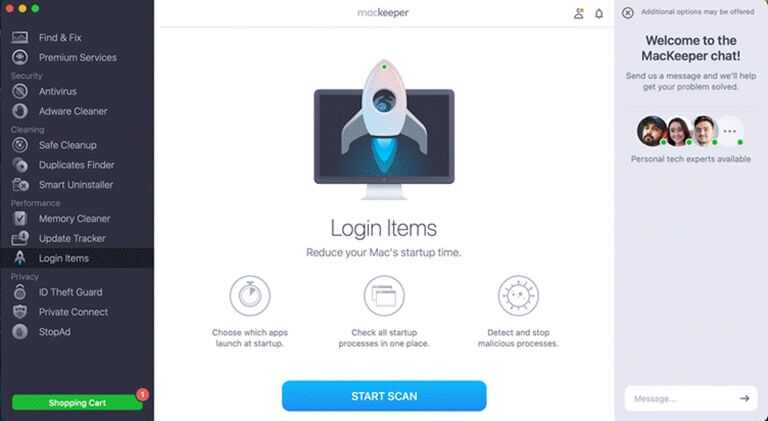
The Memory Cleaner feature of MacKeeper helps to clear the unused memory and free some space for the system without having to reboot the computer.
Memory cleaner also comes with the ability to check and control memory usage on your Mac; all memory-hungry apps and processes slow down your Mac. This is necessary, particularly if you have multiple tabs and programs open at once.
5. Login Items
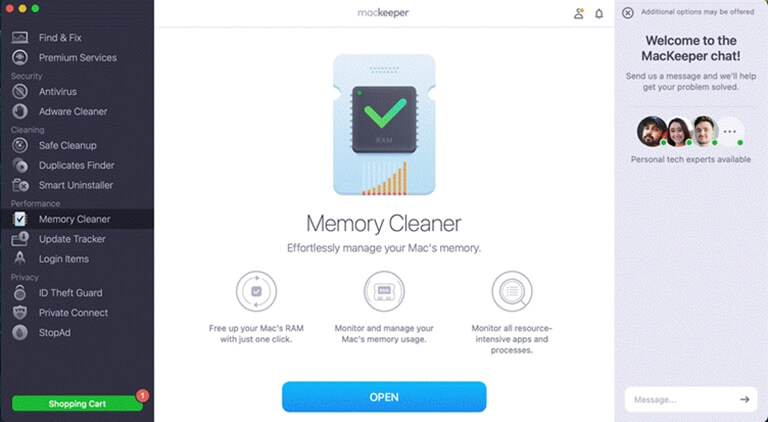
Startup time issues do not occur overnight, but instead build up over time as software adds itself to the login list without your knowledge. MacKeeper pinpoints the apps starting at boot and enables you to turn off items with a two-second click. Disabling eight unwanted MacBook startups proves to be a worthwhile improvement that lasts through multiple restarts.
MacKeeper Pros & Cons
Pros:
- It’s an all-in-one solution that includes cleaning, security, and performance tools in the app — no need to deal with multiple utilities
- The Smart Uninstaller feature completely removes apps, widgets, and plug-ins, as well as the associated files and folders they create on your computer.ur Mac
- The duplicate finder is content-based: it finds duplicates that have different filenames.
Cons:
- MacKeeper is a paid subscription, so if all you need is occasional light cleaning, this might not be the app for you
- First-time scans can take a few minutes on machines with large storage volumes, though subsequent scans are faster.
Who Should Use MacKeeper?
MacKeeper is ideal for users who have owned a Mac for at least a year and who have seen performance decline for no apparent reason. It’s especially suited to people who want to make a tangible difference to their Mac without having to dabble in Terminal or Library folders.
Experienced users will welcome the control before items are deleted. Users who might otherwise pay for a cleaner and/or antivirus tool will find the subscription worthwhile.The fact that it’s Mac-only also means there’s no compromise of a multi-platform product.
Final Verdict
MacKeeper is one of the most comprehensive Mac optimization tools. The cleaning tools are more thorough than most, the Safe Cleanup is fast, and the Smart Uninstaller addresses an issue not generally thought of.
After testing under the hood of a Mac that had been slowing to a crawl for months, the benefits were more than enough to justify the subscription. For a Mac that isn’t living up to its potential, MacKeeper is a good choice.
Popular on OTW Right Now!




About The Author

Gagan Bhangu
Founder of otechworld.com and managing editor. He is a tech geek, web-developer, and blogger. He holds a master's degree in computer applications and making money online since 2015.