
Understanding E Invoice Software And Its Benefits For Modern Businesses
Many businesses find manual invoicing to be more work than they wanted. Manual data entry, missing information, delayed approvals, and follow-up requests can slow down your finance team and make cash flow management more challenging.
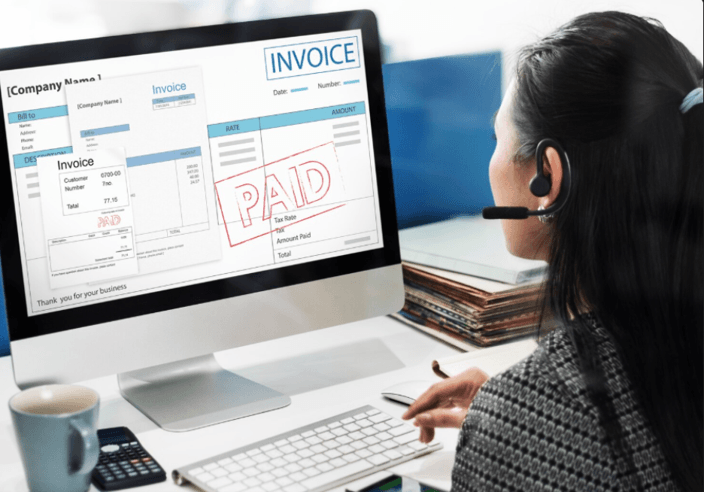
These problems can become expensive, particularly if precise financial data is needed, as transaction volume grows. E-invoicing provides a more systematic way. E-invoice software can generate, send, track, and manage e-invoices and link the billing process to the accounting process.
The right system can also minimize duplicate efforts and gain better visibility of the finances. But when selecting a solution, it must be more than just the ability to generate digital invoices. It is essential that you have an idea about its automation capabilities, integrations, compliance support, and process compatibility.
Let’s dive into how e-invoicing functions and the tangible advantages it can offer.
What Does E-Invoice Software Do?
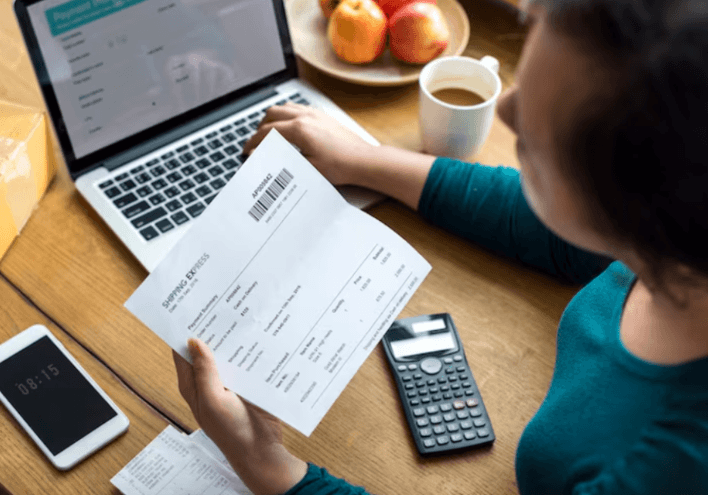
E-invoice software manages the entire process from creating the invoice to its payment and records. Invoices can be created with stored Customer, Product, Service, and Tax data instead of manually creating documents.
A lot of solutions incorporate the ability to connect to cloud accounting platforms as well as invoices. This cuts down on reentering data and maintains more consistent financial records.
In Malaysia, businesses can file e-invoices via the MyInvois portal or via API integration. Cloud accounting solutions can also integrate both accounting and invoicing systems into a single application.
Benefits of E Invoice Software
E-invoice software provides the following benefits to modern businesses.
1. Reduces Manual Accounting Work
Manual invoicing involves copying customer information, inputting transaction data, calculating taxes, sending out emails, and updating accounting records. Many of these steps can be automated using software. Recurring invoices can be set up automatically, and payment reminders can be set up in advance.
This saves time and minimizes chances for typing mistakes, duplicate records and missing information. Your finance team can then focus more time on the financial data instead of repetitive administrative tasks.
2. Improves the Accuracy
Payment delays due to invoice errors can result in more work. Invoices may be corrected and re-issued due to incorrect tax amounts, customer details, or transaction information.
E-invoice software can be accurate through the incorporation of templates, predefined fields, calculations, and validation checks. The ability to integrate accounting records can also minimize discrepancies.
E-invoices are validated by the Inland Revenue Board of Malaysia in Malaysia. Once you have a validated invoice, it gets a Unique Identification Number and may contain a QR code. It is still necessary to supervise automation. Customer information, tax details, and approval procedures should be regularly reviewed.
3. Helps With Better Cash Flow
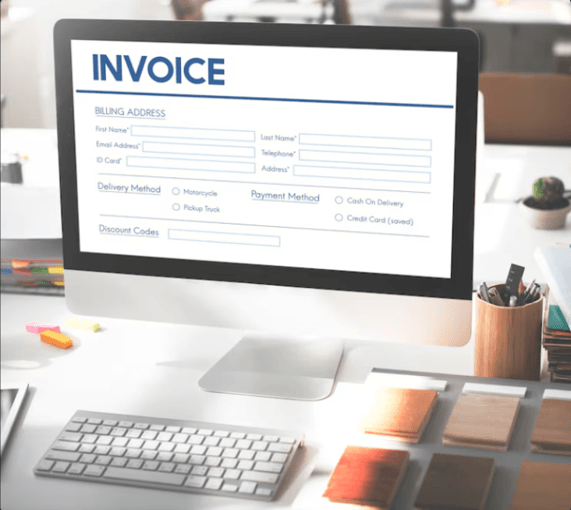
Getting an invoice sent is only the first step. It is also important to understand if customers have received it and if any payments are past due. Digital invoicing systems give a single location where they can track outstanding balances and invoice status.
Automated reminders can also help to minimize manual follow-up. This provides greater clarity of cash inflows. That information will help you plan better for expenses, purchases, and other financial commitments.
4. Enables Integration for Greater Benefits
Invoicing software becomes more valuable when it connects with your existing business tools. Accounting platforms, payment systems, inventory software, CRM tools, and e-commerce platforms may all contain important financial information.
Integration allows relevant data to move between systems without repeated manual entry. This can improve efficiency and create a clearer view of business activity.
Before choosing a solution, check its available integrations. A cheaper system may create extra costs if employees must constantly transfer information between disconnected platforms.
What Should You Look For In E Invoice Software?
The right solution depends on your business size, transaction volume, industry, and existing accounting setup. However, several features deserve attention:
- Automation: Look for automated invoices, reminders, and recurring billing.
- Accounting integration: Make sure it works with your existing accounting system.
- Compliance support: Check whether it supports relevant e-invoicing requirements.
- Reporting: Choose software that helps you monitor invoices and receivables.
- Security: Review access controls, authentication, backups, and data protection.
- Scalability: Ensure it can handle increasing customers and transactions.
- Ease of use: Employees should be able to complete routine tasks without complex training.
Modern cloud accounting platforms can combine e-invoicing with reporting, expense management, inventory, bank connections, and other business functions.
How Can You Implement It Smoothly?
Start by reviewing your current invoicing process. Identify who creates invoices, who approves them, how payments are tracked, and where records are stored. Next, clean your customer and product data. Remove duplicates and correct outdated information before transferring it to the new system.
Train employees on invoice creation, corrections, payment tracking, and common issues. Test the complete workflow before going live. For larger businesses, a phased rollout can reduce disruption. It also gives your team time to identify and fix problems before full implementation.
Final Thoughts
E-invoice software can do more than replace paper documents. It can reduce repetitive work, improve invoice accuracy, monitor receivables, and connect billing with accounting processes. These benefits become increasingly useful as transaction volumes grow and compliance requirements become more structured.
However, software will not fix poor processes or inaccurate data by itself. You should choose a solution that fits your workflow, integrates with existing tools, and supports applicable requirements.
Start by reviewing your current invoicing process. Identify the tasks that consume the most time, then use those findings to compare software options and plan a practical transition.
Popular on OTW Right Now!
About The Author

Gagan Bhangu
Founder of otechworld.com and managing editor. He is a tech geek, web-developer, and blogger. He holds a master's degree in computer applications and making money online since 2015.