
Managing Workplace Interruptions with Computer Status Indicators
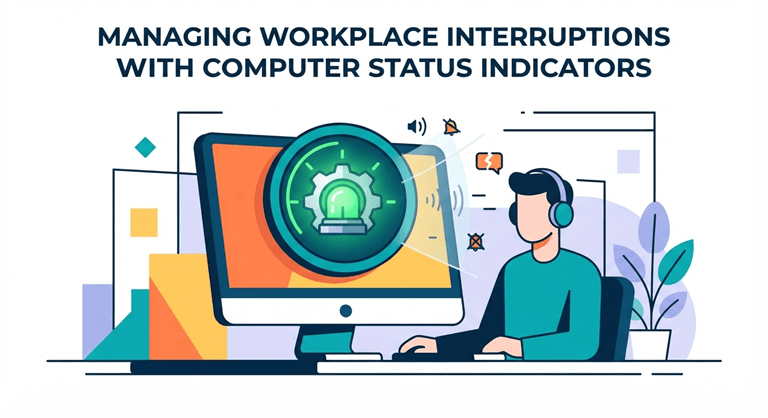
In modern office environments, maintaining concentration while remaining accessible to teammates is a constant operational challenge. Employees frequently find their momentum broken by unexpected walk-up interruptions, casual taps on the shoulder, or unnecessary status inquiries. Installing a physical busy tag for computer provides an immediate, color-coded visual indicator of your availability, helping protect critical focus time and streamline communication across open-plan and hybrid workspaces.
Why Visual Computer Status Indicators Matter
Physical presence indicators make a great, useful hybrid between being online and being in the real world. A color-changing LED light that hangs straight off the monitor, letting others know at a glance whether someone is working, is something many people in the office don’t know about but is very useful when someone is moving down the hall. These visual signals replace the possibility of a misstep when accessing the workstation and remove the need for an awkward shoulder tap, creating a natural barrier between your workstation and other users. This means that workers can remain focused on important work, rather than being constantly aware of their physical environment and what disruptions are coming their way.
Common Workplace Interruptions Around Desks
Daily disruptions in busy office settings typically stem from a lack of physical visibility regarding an employee’s current workload:
- Accidental Meeting Walk-Ins. Team members go to a desk and ask a quick question, thinking that nobody is talking to them, but the individual is actually muted on a voice call or webinar.
- Interruption of Deep Analytical Tasks. Sudden shoulder taps force workers out of complex problem-solving mindsets, requiring substantial time to regain full focus.
- Inconsistent Availability Signals. Software status icons are ineffective in safeguarding workers against physical walk-ups with the colleague being away from their own screen.
These are typical physical disruptions that need to be addressed and require a consistent visual cue, which makes it easy for all occupants to know when a workstation is available.
How Status Signals Improve Team Awareness
Physical status lights create a culture of respect for space and clarity of environment. Teams can quickly see whether a peer is available to work together or is working on high-priority work when a clear visual signal is provided before someone approaches a desk.
Using Busy Tags to Protect Focus Time
An indicator can be attached to the computer monitor and is a great boundary tool to protect deep focus sessions during the workday.
Practical Applications in Office Environments
Visual status indicators adapt seamlessly to various daily work scenarios across modern office layouts:
- Automated Call Status Protection. The status lights will turn red automatically when a user joins a virtual conference or VoIP phone call.
- Customizable Do-Not-Disturb Modes. Employees can designate specific colors to represent time periods to mark the deadlines for important issues or periods in which they are working on a strategic plan.
- Multi-Color Collaboration Signals. Variable color settings enable people to indicate their status (free, busy but approachable, completely unavailable).
These practical lighting setups allow for focused workspaces to be free from interruptions, and for planned collaboration to be unhindered.
Supporting Hybrid and Remote Collaboration
When teams are working on a hybrid schedule, physical status tags are integrated with digital communication tools to ensure everyone’s status is always up to date. Automated LEDs allow physical availability to stay in sync with real-time calendar events and calls, whether in a busy headquarters or home office environment.
Choosing the Right Visual Status Solution
Selecting an effective computer status indicator involves evaluating software compatibility, mounting flexibility, and ease of automated integration:
- Seamless Software Integration. Make sure the hardware is compatible with popular communication platforms, such as Microsoft Teams, Zoom, Skype, and Google Workspace.
- Versatile Hardware Mounting. Select indicators that have a variety of mounting options like magnetic mounts or clips that fit a laptop, desktop monitor, and cubicle partitions.
- Automated Status Synchronization. Choose games that automatically switch colors based on calendar events, music, or a user-set timer.
By carefully analyzing these critical functional elements, your team can be assured that they are getting a dependable visual management system designed for them.
Conclusion: Keeping Productivity on Track
There’s a need to balance open team communication with protected focus time to manage office interruptions. Physical computer status indicators provide a simple, visual solution with no guesswork and reduced verbal interruptions. Clear visual tags on workstations can help modern companies create a more respectful, organized, and extremely productive workplace for all.
Popular on OTW Right Now!
-
 The New Rules of Product Page Copy: A Smarter Way to Pair Copy, UX and Search
-
 How Amazon Fulfillment Services Work: Key Technologies Driving E-Commerce Efficiency
-
 The Essential Cloud Migration Checklist: How to Plan a Secure and Successful Migration
-
 Back-to-School Essentials: Top 5 Online ID Card Makers for Students


About The Author

Gagan Bhangu
Founder of otechworld.com and managing editor. He is a tech geek, web-developer, and blogger. He holds a master's degree in computer applications and making money online since 2015.