
How Long Does It Take to Activate an eSIM? (2026 Guide)
Most eSIMs activate in under 10 minutes. That’s the short answer for travelers wondering if they’ll be connected before their flight lands. Activation speed depends on your device, your connection, and whether you set it up before or after arrival. This guide explains the exact time frames, what can slow it down, and how to avoid delays at the airport.
How Long Does It Take to Activate an eSIM on Average?
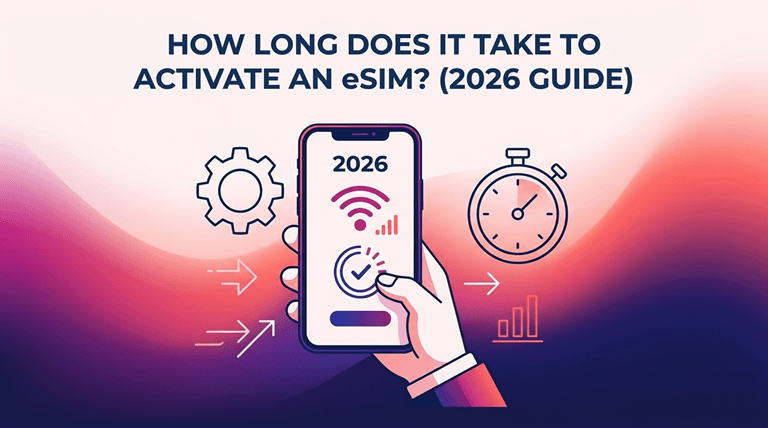
Activation time ranges from 2 to 15 minutes, depending on the method used.
- QR code scan: 2 to 10 minutes with stable Wi-Fi
- Manual entry (SM-DP+ address and activation code): 5 to 15 minutes
- Carrier app activation: 3 to 8 minutes
The eSIM download takes less than a second. Most of the time is spent on network registration, rather than during download, after installation.
What Affects How Long It Takes to Activate an eSIM
Several factors change activation speed:
Device compatibility. iPhones (XS and beyond) and most 2019-flagship Android phones can use eSIM natively. Higher-end or more affordable devices might not even have the hardware to enable activation, preventing it from even beginning.
Connection quality eSIM can only be installed via Wi-Fi or a strong data connection. The most frequent cause of failed or slow downloads is a weak signal.
Carrier processing. There are some carriers out there that provide eSIMs immediately. Others wait for a request in line, which can take a few hours – particularly for a traditional postpaid plan with identity verification.
Timing of activation. It’s always quicker to enable before leaving the house, but on your home WiFi, than to activate in an airport where everyone is connected to the public network.
Step by Step: Activating an eSIM in Under 10 Minutes
- Confirm your device is eSIM-compatible in Settings.
- Connect to stable Wi-Fi.
- Scan the QR code sent by your provider or open their app.
- Follow the on-screen prompts to install the eSIM profile.
- Enable the eSIM line and turn on data roaming if traveling internationally.
- Wait for the “Network” or “Connected” status to appear.
This process is similar in iOS and Android, but with some menu variations.
Should You Activate an eSIM Before or After Arrival
Turn on before take-off, when permitted by the plan. This will give you the time to troubleshoot, whether that’s for a failed QR scan or an unsupported device, while enjoying home Wi-Fi and customer support in your own time zone.
While some travel eSIM plans are meant to lie dormant until you arrive to connect to a network in your destination country. Holafly, as an example, allows travelers to install the eSIM profile prior to traveling such that it’s ready once they arrive and doesn’t consume data until they connect abroad. This eliminates the need to arrange at the airport under a tight connection.
Common Activation Problems and Fixes
“Unable to activate” error: Usually caused by weak Wi-Fi. Move closer to the router and retry.
QR code won’t scan: Take a photo of the code and scan it from the photo gallery, or manually enter the code.
No signal after activation: Ensure data roaming is turned on and that the eSIM line (not the physical SIM line) is configured as the primary data line.
Device shows “not compatible”: Ensure that the eSIM is carrier-unlocked. Even if the device is capable of eSIM, it will not accept profiles from outside the manufacturer.
Which eSIM Providers Activate Fastest
Capturers who activate the account using an automated, app-based process generally outperform those that require manual activation. Once activation is finished, the travel-specific eSIM companies will work within minutes, as there is no identity check or contract involved with the SIM. When comparing options, it’s worth checking which providers offer the best eSIM for your destination in terms of both activation speed and coverage, since not all providers use the same underlying network partners.
FAQ: eSIM Activation Times
Can an eSIM be activated instantly?
The download will only take seconds. The registration for the full network usually takes a few additional minutes.
Does eSIM activation use data?
Yes, but not too much, about a few megabytes to download.
Can I activate an eSIM without Wi-Fi?
Yes, mobile data, although Wi-Fi would be better and is preferred.
Do eSIMs expire if not activated?
Some do. The validity period of most travel eSIMs is either at installation or upon first network connection (usually 30 days).
Popular on OTW Right Now!



About The Author

Gagan Bhangu
Founder of otechworld.com and managing editor. He is a tech geek, web-developer, and blogger. He holds a master's degree in computer applications and making money online since 2015.