
ImageToVideo AI: A Stand-Out Tool for Image to Video AI Free Without Watermark
In a world where video content dominates social media feeds, marketing campaigns, and personal storytelling, turning a simple image into a moving video is an especially powerful skill. One tool that aims to make this easy is ImageToVideo AI — a platform built for people who want to convert their photos into videos without paying or putting up with distracting watermarks. In this article, we’ll explain what ImageToVideo AI does, walk through how you use it, compare it to three other tools that also offer image to video AI free without watermark, and finally highlight what makes ImageToVideo AI especially advantageous.
What Is ImageToVideo AI & How To Use It
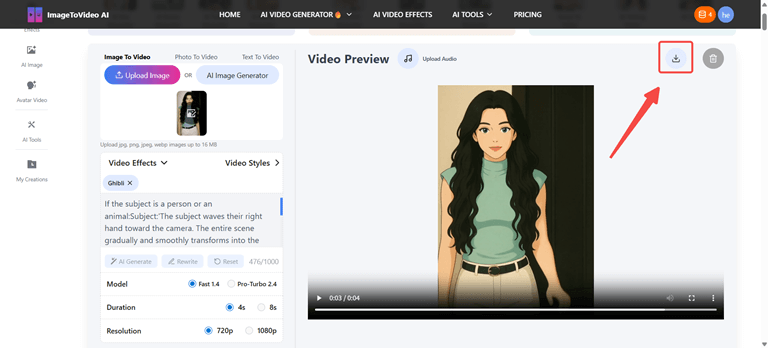
ImageToVideo AI is a web-based tool (or platform) that allows you to take a static image—photo, artwork, or other visual—and turn it into a video automatically using AI. The best thing is that it is free and the video you will end up with will be watermark-free, that is, without the embedded icon or mark of service that will taint the end product.
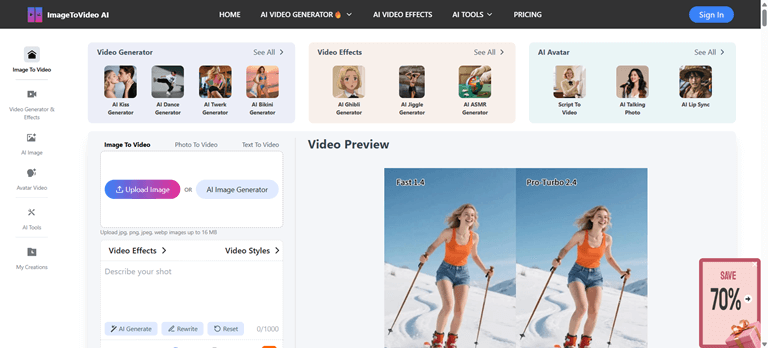
Here’s a typical way to use ImageToVideo AI:
Step 1: Upload Your Image
Choose the image that you prefer to convert into a video and upload it to the site. To achieve maximum results, make sure the picture is clear.
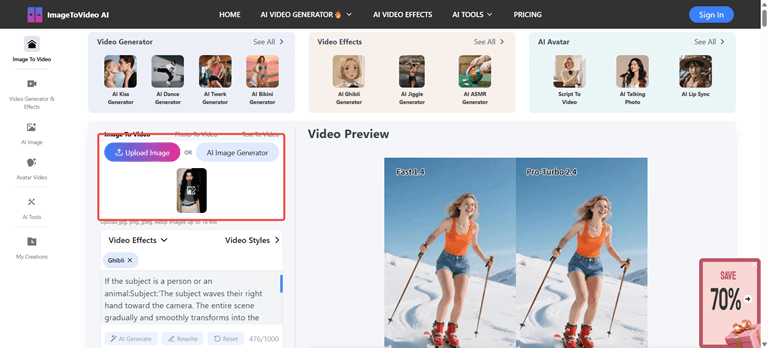
Step 2: Choose Your Video Effect
Select the video style or animation. This may involve the zoom, pan, transitions or other cinema effects.
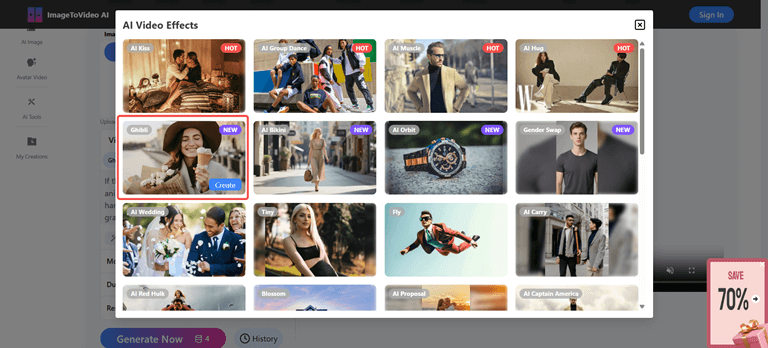
Step 3: Click Generate Now
Press the “Generate Now” button and wait while the AI processes your image and creates the video.
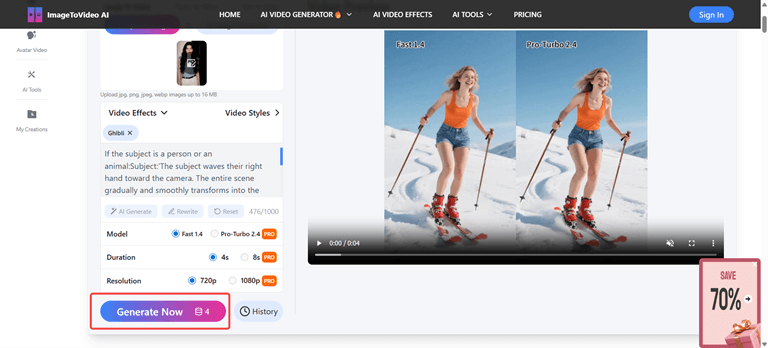
Step 4: Preview, Download, and Share
Once the video is ready, preview it to view the results. Then download your watermark free video then share it with friends and family.
Comparisons with Other Tools That Offer Image to Video AI Free Without Watermark
To understand where ImageToVideo AI stands, it is better to compare it with the other existing tools that also provide image to video AI free of watermark.. Below are three such tools, each with their own strengths and trade-offs.
Supawork AI
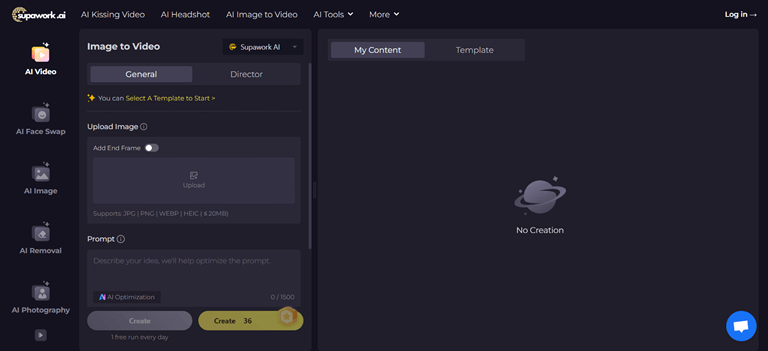
Supawork AI provides a free image-to-video generator that claims to be without watermarks. The interface is simple: upload your photo, pick your settings (length, resolution, frame rate), maybe add prompt/description for desired motion, and then download. Supawork AI is appealing because it also advertises “no sign up” or minimal signup required.
Strengths:
- Very accessible; low barrier to start.
- No watermark in output is a big plus.
- Decent quality animations (zoom/pan etc.) for everyday use.
Weaknesses / Trade-offs:
- Fewer “fancy” style templates or transitions.
- Customization may be more limited than premium tools.
- Possibly limited maximum video resolution or length in the free mode.
Vheer
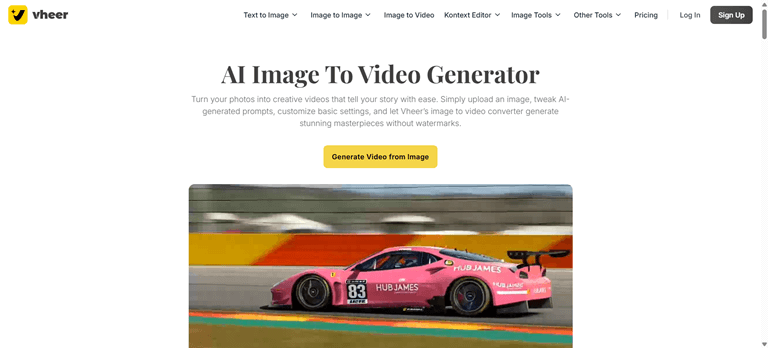
Vheer is another contender. Their pitch is “free AI video maker … no subscriptions, no watermarks … unlimited access.” vheer.com You can convert your images (or even combine with text) to generate polished videos, with settings for duration, aspect ratio, frame rate, and more. They emphasize that all “core features” are free, and there are no watermark restrictions. vheer.com
Strengths:
- More control over video settings (durations, output format).
- Seemingly more “pro” level output options even in the free mode.
- Supports smooth transitions, more user control over how the image animates.
Weaknesses / Trade-offs:
- More complex UI or more options may mean a bit steeper learning curve.
- The free version might still have limits in resolution or maximum duration of video.
- Dependence on internet speed / server load could affect consistency.
VideoPlus.AI
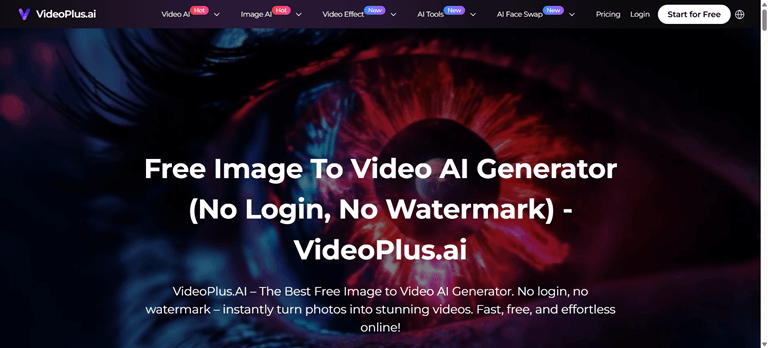
VideoPlus.AI offers a tool described as “The Best Free Image to Video AI Generator. No login, no watermark – instantly turn photos into stunning videos.” videoplus.ai Their focus is on speed and ease: minimal friction, fast generation, straightforward use. You upload images, maybe pick some style or animation, and download the video without watermark.
Strengths:
- Very fast workflow: ideal if you need a video done quickly.
- Low friction: no need for login (in some cases), making it easy to start.
- Clean output, no watermark, good for social media posts.
Weaknesses / Trade-offs:
- Less customization might be available (fewer templates, fewer style adjustments).
- May have limits in video length or quality (e.g. HD vs SD).
- Because simplicity is the goal, you might trade off granular control over animation or overlays.
Why ImageToVideo AI Has Advantages
After comparing, here’s what makes ImageToVideo AI especially strong in the category of image to video AI free without watermark:
1. Balanced Simplicity and Customization
Although such tools as VideoPlus.AI are focused on speed and simplicity, ImageToVideo AI may be both easier and more convenient to use and provide enough control. A refined video can be produced in a short period and yet can be customized to suit needs with tweaking of resolution, aspect ratio or animation style.
2. Consistent Watermark-Free Assurance
Some tools may have “free without watermark” in description but hide restrictions (e.g. only for limited durations, or only certain resolutions). ImageToVideo AI can emphasize a stable guarantee: upload, generate, download, all watermark-free under normal use.
3. High Output Quality
Since it is created to create clean and professionally looking video, ImageToVideo AI results are more likely to have a smoother transition, less compression artifacting, and motion effects. This renders it more business, marketing or content-driven with high expectations.
4. Reliability and Transparency
Users prefer tools that do what they promise. If ImageToVideo AI maintains fast uptime, clear terms (e.g. how large image files can be, what resolutions are supported, what formats are downloadable), then it builds trust. Compared to competitors, clarity around “free without watermark” is a major plus.
5. Support & Features Over Time
Because ImageToVideo AI focuses on its core promise, there is room to add bonus features: overlay text, background music, style templates, perhaps bundle share-abilities, direct social sharing. As the tool grows, these extras increase its appeal beyond just being “free without watermark”.
Summary & Final Thoughts
To sum up, ImageToVideo AII free without watermark is a powerful keyword and promise. Many tools claim it, but not all give the same level of quality, trust, and flexibility. ImageToVideo AI stands out by offering a reliable, no-watermark experience that balances speed, ease, and output quality.
These are useful options, especially if you try a few and compare speed, resolution, or style. But for many users, ImageToVideo AI may be the best all-round choice when you need to convert your photos to videos that look professional, free, and clean (no watermark).
Popular on OTW Right Now!

About The Author

Gagan Bhangu
Founder of otechworld.com and managing editor. He is a tech geek, web-developer, and blogger. He holds a master's degree in computer applications and making money online since 2015.