
The SMS Verification Code That Never Arrived
Summary
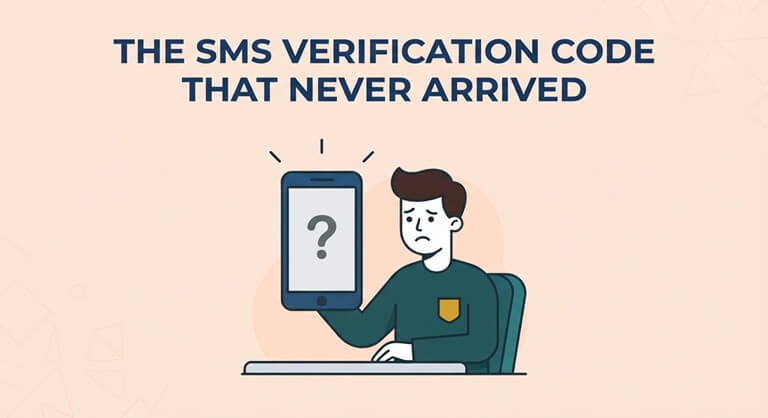
At 01:40 IST on a Tuesday, a third-year computer science student in Pune, whom we’ll call Arjun, tried to sign up for early access to a newly released AI model. The form asked for a mobile number and accepted only US (+1) formats. His Indian number was rejected. Over the next seventy minutes, he tried five free SMS numbers. Four failed. The fifth worked. This document explains why.
Timeline
- 01:40 Sign-up form rejects +91 number. Arjun searches “free US number SMS.”
- 01:52 Number #1, from the first site in the results. Code requested. Refresh. Refresh. Nothing.
- 02:05 Number #2, from a site with a long, tidy log of “received” messages. Code requested. Nothing.
- 02:20 Number #3. The form responds: this number has already been used.
- 02:35 Number #4. The form accepts it and says a code was sent. No code arrives.
- 02:50 Number #5, from a paid service that provides real mobile numbers to paying customers, Get SMS Online. The code arrives in under a minute. Access granted.
Root Causes
Numbers #1 and #2: the Mirage. Some free SMS sites list digits that only look like phone numbers. There’s no real line behind them, and the message logs are decoration. A tidy inbox is not evidence of a working number.
Number #3: the Zombie. A public number that has been online for months has been seen by every visitor and every platform. After enough accounts are created with it, services stop accepting it. Good providers rotate temporary free numbers every few days for exactly this reason.
Number #4: a VoIP line. Most free numbers are VoIP, meaning internet-based numbers that are cheap to create in bulk. Platforms treat them with suspicion, though not a blanket ban. The success rate is lower, not zero.
Contributing factor: Success also depends on the attempt itself. Platforms look at where you connect from, your browser and how your sign-up behaves. Five code requests in an hour doesn’t help.
What Went Well
Arjun didn’t pay for a service he was unsure about. A free number is the right tool for a one-time, low-stakes sign-up, and he didn’t use it for anything sensitive.
What Went Poorly
He hammered the “resend code” button, and he didn’t set up any recovery option after signing up. Three weeks later, the platform asked him to re-confirm his number. The number had been retired, as one-time numbers are after a few days, and can’t be restored. Recovery took a support ticket and a full evening.
Action Items
- Use free numbers only for low-stakes, one-time SMS verification.
- Right after signing up, add a backup: an authenticator app or an email address you check.
- Wait a minute between code requests, and switch numbers instead of resending.
- Remember that free inboxes are public. Never use them for anything private.
- If delivery success matters, get a private phone number for your SMS verification. Free numbers come with limited stock, no API and no support, because every number and every incoming SMS costs the provider money.
Status: Resolved. Arjun is writing a very long README about it.
Popular on OTW Right Now!



About The Author

Gagan Bhangu
Founder of otechworld.com and managing editor. He is a tech geek, web-developer, and blogger. He holds a master's degree in computer applications and making money online since 2015.