
Seedance 2.5 turns a single sentence into a 30-second 4K video: here’s how it works
If you’ve tried AI video before, you know the routine: you get a few seconds of footage, then spend twice as long stitching clips together to make anything usable. Seedance 2.5, ByteDance’s latest video model, skips that step. You give it one prompt or one image, and it returns a single continuous 30-second clip in 4K, with sound already mixed in. No editing timeline required.
What it does
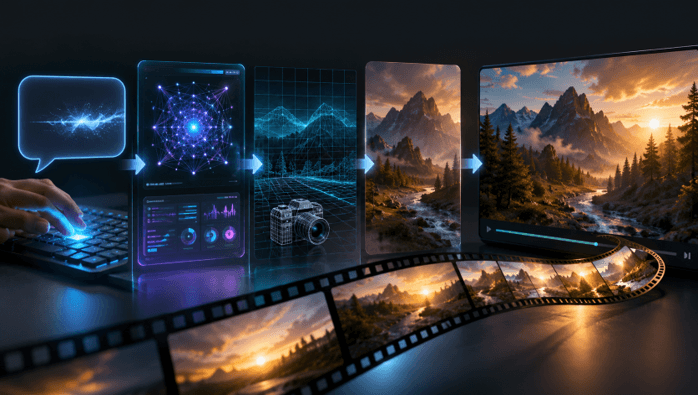
ByteDance released Seedance 2.5 in June 2026. It works two ways: text-to-video, where you describe a scene and get it back as footage, and image-to-video, where you upload a photo and let the model animate it.
Each generation is a 30-second capture, full 4K and 10-bit color. It’s a one shot and not made of pieces glued together, so there are no cuts. The audio is created synchronously with the video so that sound and movement will match, rather than be added to the end of the video like in normal filmmaking; no watermark on the file while downloading. Multiple reference inputs can also be added simultaneously, for controlling the look or to maintain a character’s face throughout the entire clip, with up to 50 inputs allowed.
What’s new since Seedance 2.0
- Clip length: 4–15 seconds, now a flat 30 seconds
- Resolution: up to 1080p, now native 4K
- Reference inputs: about 12, now up to 50
- Prompt adherence: roughly 20% better, according to ByteDance
That is the one you’ll feel the most. When the prompt is followed correctly, it’s more likely to produce the output you requested, so you don’t have to burn as many generations trying to get one detail to stick, and you save money, in addition to time, with a credit-based tool.
How to use it
- Open the generator at seedance 2.5 in your browser. Nothing to install.
- Pick a mode: text-to-video or image-to-video from a photo.
- Write a plain description. Name the subject, the action, the camera move, and the light. Ordinary sentences work; there’s no special syntax.
- Add reference images or clips if you want a specific look.
- Generate, then download the MP4.
A good habit to develop is to explain what is in the picture, rather than the picture itself. The camera slowly pushes in, is much more controlling than a static description.
Cost and verdict
There are no registration fees, and new users get free credits to make their first clip without providing their payment information. Once this is on credit, either on a monthly subscription or in one-off packs. Clips are available for commercial use.
If your work involves short-form video, Seedance 2.5 removes the two things that made AI video painful: the short clip length and the editing needed to hide the seams. Type a scene, generate, and see how close the first result lands. With the improved adherence, it tends to land closer than you’d expect.
Popular on OTW Right Now!
-
 AI Agent Workflows for Professional Services Firms: 7 Processes to Automate First
-
 AI Workflow Automation for SMBs: 12 Workflows to Automate First
-
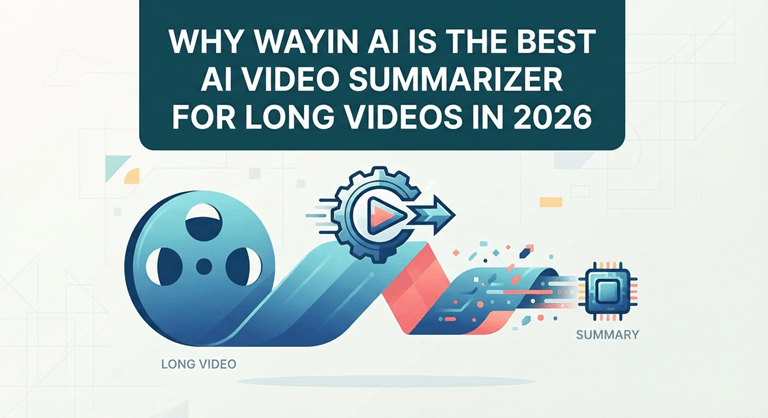
 Why Wayin AI Is the Best AI Video Summarizer for Long Videos in 2026
-
 Tailored Beauty Solutions: AI Facial Analysis and Hairstyle Changer at Your Fingertips


About The Author

Gagan Bhangu
Founder of otechworld.com and managing editor. He is a tech geek, web-developer, and blogger. He holds a master's degree in computer applications and making money online since 2015.